










AllSafe IT Hollywood office providing outsourced IT services in Los Angeles

Outsourced IT Services in Los Angeles That Keep You in Control

Outsourced IT services in Los Angeles let a business hand some or all of its IT work to an outside team for a flat monthly fee. That can be the full IT department, just the help desk, security monitoring, or one big project. AllSafe IT runs outsourced IT for LA companies with 10 to 250 employees from our Hollywood office on Vine Street.

The model you choose matters more than the provider you choose. A 20-person firm with no IT staff needs something very different from a 120-person company with one overworked admin. This page covers the options, what each one costs, how the handoff works, and what you should always keep in your own name. If you already know you want a fully managed setup, see our Los Angeles managed IT services.

Talk to an expert

Some of our
multi-national partners

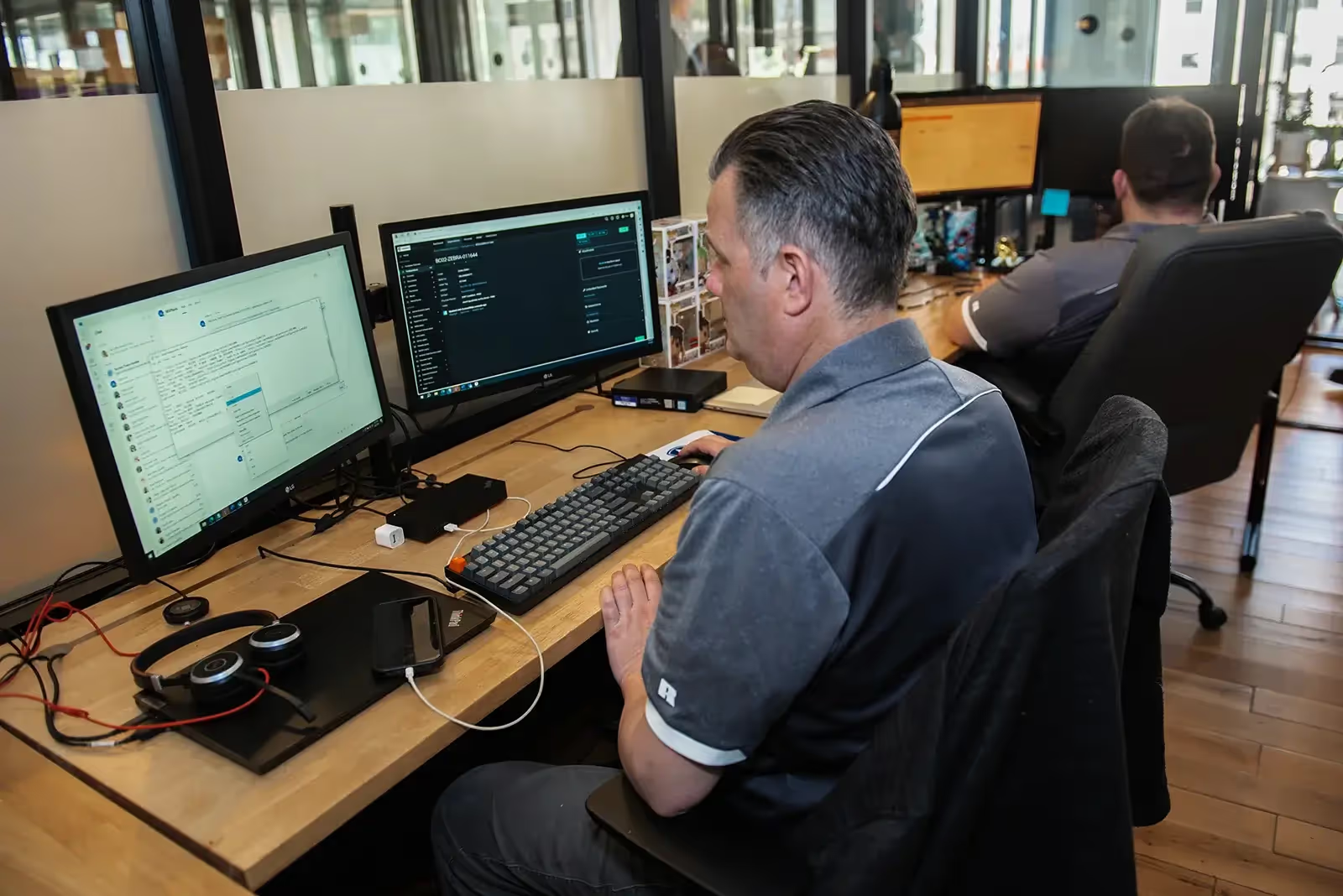
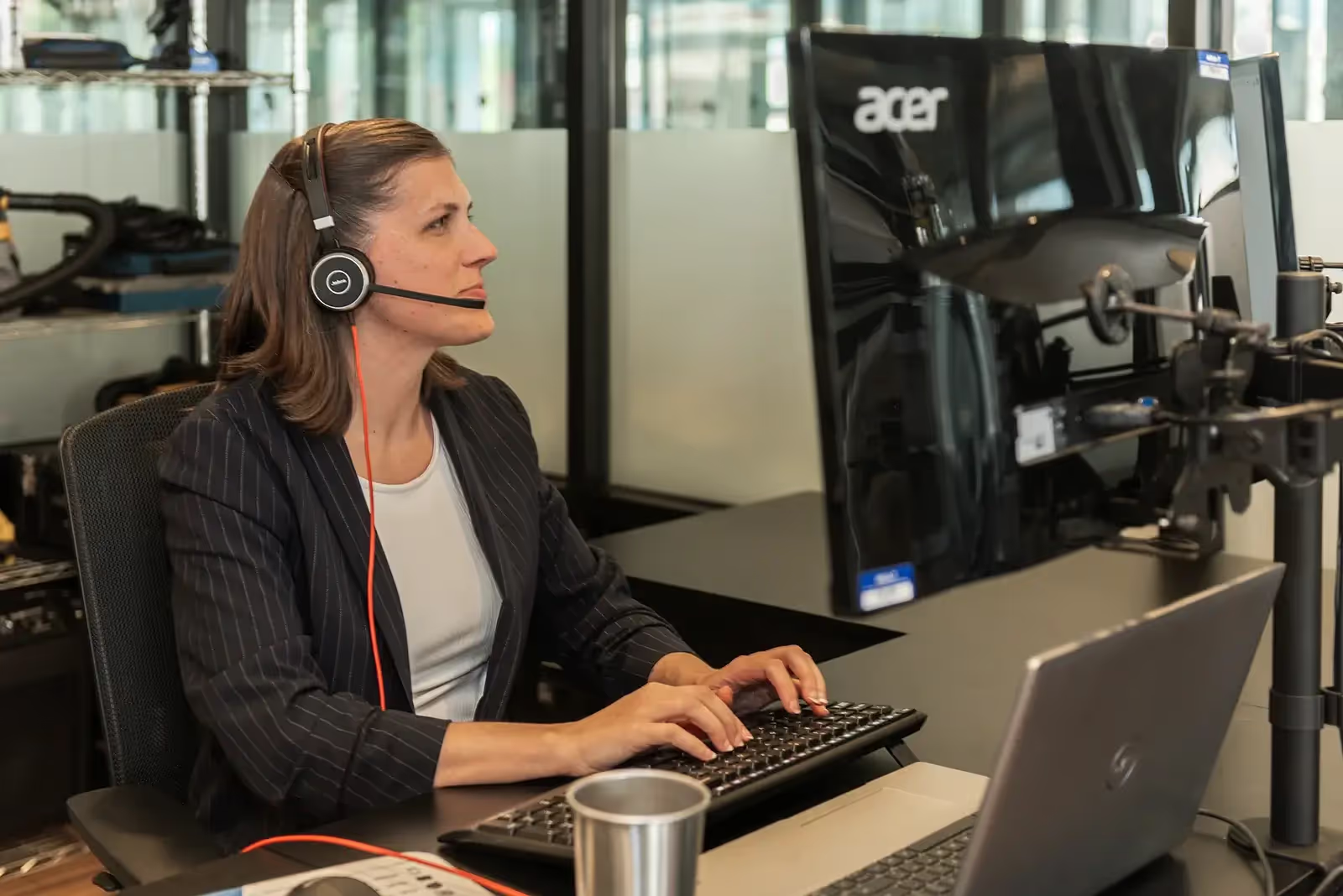
AllSafe IT engineer handling outsourced IT support for a Los Angeles business

What Outsourced IT Services in Los Angeles Actually Cover

Outsourced IT handles two kinds of work. There's the daily support that keeps people productive, and there's the background work that keeps systems safe and running. Most LA companies we work with outsource all five areas below. Others hand off one or two and keep the rest in-house.

Daily User Support, Remote and Onsite

Password resets, laptop setups, printer jams, and new-hire accounts make up most IT tickets. Our help desk picks these up around the clock with a 3 to 15 minute average response time. Most issues get fixed remotely in a single session. When a problem needs hands on hardware, an engineer comes out from our Hollywood office.

Security Monitoring and Incident Response

Security work doesn't stop at 5 p.m., and neither do attacks. We cover endpoint protection, email filtering, multi-factor authentication, patching, and phishing training for your staff. California law now sets a 30-day deadline, in most cases, to notify affected residents after a data breach is found. That puts fast detection and a written response plan at the center of the job. More detail lives on our page for cybersecurity services for LA businesses

Cloud, Backup, and Recovery Targets

We manage Microsoft 365, Google Workspace, and Azure, along with the backups behind them. During onboarding, we agree on two numbers with you. The first is how fast systems must come back after an outage, called the recovery time objective (RTO). The second is how much recent data you can afford to lose, called the recovery point objective (RPO). Backups get built and tested against those targets, so recovery is a plan instead of a guess.

Vendors, Licenses, and Hardware

Internet carriers, phone systems, software renewals, and industry apps all need someone to own them. We make the vendor calls, track license counts, and plan laptop and server replacements before they fail. You stop paying for seats nobody uses.

IT Planning and Budget

A virtual CIO (vCIO) meets with your leadership team each quarter. Together you review ticket trends, open risks, and upcoming spend. The result is a written IT roadmap tied to real business plans, like a new office or a hiring push.

Knowing what can be outsourced is the easy part. Deciding how much to hand over is where most companies get it wrong.
4 Ways to Outsource IT in Los Angeles

IT outsourcing in Los Angeles comes in four common models. The right one depends on two things: whether you have IT staff today, and what they spend their week on.

ModelBest fitWhat you keep in-houseWhat we handle
Fully outsourced IT departmentNo internal IT staff, 10 to 150 employeesDecisions, budget approval, account ownershipHelp desk, security, cloud, vendors, planning
Co-managed ITOne or more IT staff who are stretched thinYour team's chosen projects and user relationshipsMonitoring, security tools, after-hours coverage, overflow tickets
Help desk onlyInternal IT focused on systems, apps, or networkInfrastructure and strategyDay-to-day user support
Project-basedA one-time job your team can't absorbOngoing supportOffice moves, Microsoft 365 migrations, network rebuilds

How Much Does It Cost to Outsource IT in Los Angeles?

Fully outsourced IT at AllSafe IT costs $100 to $250 per user per month, billed as one flat rate. A 30-person company would pay between $3,000 and $7,500 a month. That covers support, security, monitoring, and planning, with no surprise invoices for routine work.

Where you land in that range comes down to a few factors:

  • Compliance needs. HIPAA, CMMC, or cyber insurance requirements add tools and reporting.
  • Security scope. Managed detection and response (MDR) with 24/7 monitoring sits at the higher end.
  • Onsite demand. Offices with lots of hardware or frequent changes need more engineer visits.
  • Number of locations. Each office adds network gear to monitor and maintain.

Help desk-only and project work are quoted after a short scoping call. For a closer look at local pricing, read our guide to managed IT costs in Los Angeles.

Outsourced IT vs. In-House IT: An Honest Comparison

One in-house IT hire covers about 40 of the 168 hours in a week. Vacations, sick days, and turnover leave gaps. And one person rarely knows security, cloud, and networking equally well. In Los Angeles, an experienced IT administrator also costs six figures once payroll taxes and benefits are added.

FactorIn-house IT hireOutsourced IT team
CoverageBusiness hours, one person24/7 team
Skill rangeOne person's experienceHelp desk, security, cloud, and network specialists
Vacations and turnoverCoverage gaps and re-hiringNo gaps
Cost structureSalary, benefits, training, toolsOne flat per-user fee
Onsite presenceIn the office dailyScheduled visits and on-call dispatch
Knowledge of your businessDeep, built day to dayBuilt through documentation and quarterly reviews

Signs It's Time to Outsource Your IT

The most common trigger we hear is simple. The one person who knew how everything worked just gave notice. Other signs show up more slowly:

  • Your IT person is leaving or retiring, and very little is written down.
  • An office manager or owner handles IT between their real jobs.
  • Your only IT admin hasn't taken a full week off in over a year.
  • A cyber insurance renewal asks for MFA, endpoint protection, or backup proof you can't produce.
  • A client or contract now requires HIPAA, CMMC, or SOC 2 evidence.
  • You're opening a second office or adding remote staff across LA County.
  • You already outsource IT, but tickets sit for days and nobody brings you a plan.

That last one matters more than people expect. Switching providers is common, and it shouldn't be harder than starting fresh. The process below works for both.

How the Switch to Outsourced IT Works

Onboarding takes four to six weeks for most companies. Your staff keep working the whole time, and nothing gets shut off until its replacement is tested.

  1. Map what you have.

    We inventory devices, accounts, licenses, network gear, and vendors. Gaps and risks go into a written report you keep.

  2. Secure the credentials.

    Admin passwords move into a password vault your company owns. We set up emergency admin accounts in your company's name.

  3. Write the documentation.

    Network diagrams, vendor contacts, and setup notes get written down, often for the first time.

  4. Deploy monitoring and security.

    Our tools go onto every device, and backups get tested against your RTO and RPO targets.

  5. Open the help desk.

    Your team gets one clear way to reach support and knows what response times to expect.

  6. Review the first month.

    We meet to go over ticket trends, early fixes, and the first items on your roadmap.

If you're leaving another provider, we work through the credential handoff with them directly. A good transition ends with you holding more control than you had before.

AllSafe IT engineers onboarding a Los Angeles company to outsourced IT
Business owner keeping admin accounts and IT documentation in the company's name

What You Should Keep When You Outsource IT

Outsource the work. Keep the keys.

The biggest risk in outsourcing isn't slow service. It's a provider who slowly becomes the only one with access. When companies switch to us, we often find the domain registered in the old provider's name. Or nobody on staff knows the Microsoft 365 admin login. Both problems are easy to prevent from day one.

These should always stay in your company's name:

  • Your domain name and DNS settings
  • Global admin accounts for Microsoft 365 or Google Workspace
  • Software licenses and hardware, purchased in your name
  • * Backups and the data inside them
  • Network diagrams, passwords, and vendor documentation
  • Final say on budget and vendor decisions

At AllSafe IT, all of this stays yours from the start. If you ever choose to leave, we hand over every credential and document. Ownership protects you on the way out. The service agreement protects you every day in between.

What a Good Outsourced IT Service Agreement Includes

A useful service level agreement (SLA) has numbers you can check each month. A vague one has adjectives. Use this table to review any proposal, including ours.

SLA itemWhat to look for
Response timeA measured average, reported monthly. Ours is 3 to 15 minutes.
Resolution targetsSeparate targets by priority, from one stuck user to a full office outage
Hours coveredWhich services run 24/7 and which run during business hours
Onsite supportHow dispatch works and what triggers a visit
Escalation pathNamed people beyond the help desk
Security incidentsWho does what in the first hours, plus support for breach notice deadlines
ReportingMonthly ticket and security reports, plus quarterly reviews
Exit termsHandover timeline and exactly what you get back

Why LA Companies Outsource IT to AllSafe IT

AllSafe IT has supported Southern California businesses since 2005. Our Los Angeles office sits at 1800 Vine St, near the Capitol Records Building, with our headquarters in Pasadena. Engineers don't have to cross the whole region to reach you.

  • SOC 2 compliant operations
  • 7-time CRN MSP 500 honoree, most recently in 2026
  • Inc. 5000 (No. 2052, 2024), Channel Futures MSP 501, and BBB A+ accreditation
  • Expertise.com Best Managed IT Services Provider in Los Angeles (2026), Clutch Top Rated, and Los Angeles Business Journal recognition (2026)
  • Microsoft Solutions Partner, with Azure Solutions Architect Expert, Microsoft 365 Administrator Expert, Google Workspace Administrator, and Apple Certified IT Professional credentials on staff

Awards matter less than outcomes. Our clients have grown from 50 to more than 200 employees without adding a single IT hire. They rate us 4.8 stars on Google.

Our Los Angeles Office

Los Angeles, CA

What Los Angeles Businesses Say About AllSafe IT

See what our clients are saying about our IT services

5 star rating

4.8 (56 reviews)

5-star rating
"AllSafe is a great IT company, they are always fast at responding to questions/tech issues, and have always been very friendly!"
Alexa Kehlbeck

Alexa Kehlbeck

5-star rating
We enjoy piece of mind knowing we increased cybersecurity protocols, trained employees on new security procedures (i.e 2 step authentication, phish\junk email protocols, etc). There are many scary hacking incidents of other companies but I sleep pretty well knowing we've done a great job emphasizing to our employees the importance of good internet habits with the help of AllSafe measures implemented.
Craig Tools Inc

Craig Tools Inc

5-star rating
"We have been a client for 16 years"
Thanhthu Nguyen

Thanhthu Nguyen

5-star rating
"I brought in AllSafe IT for an audit. They did an excellent job identifying re-mediating weaknesses in a network with over 150 stations. They effectively rewired our building creating two networks enabling some stations to operate on both. After 3 years, end-users are very satisfied with the results and we know we can count on AllSafe. Thank you."
George McKinney

George McKinney

5-star rating
"They resolved the issue quickly and the professional on the phone was so friendly and helpful. Good Job. I do appreciate you!!"
Daisy Benitez

Daisy Benitez

5-star rating
"definitely rare to find such talented technical support for our business, we have hired others prior to barebones networking and it was just waste of time and money. We highly recommend these folks as they have the technical skills we needed to scale our business... thank you."
Steven Smithson

Steven Smithson

5-star rating
"Very knowledgeable and reliable technical assistance. They are very responsive which is very rare to find services like they provide."
Eddie

Eddie

5-star rating
"All safe IT is a very trustworthy in making sure its partners and clients receive information regarding computer and safety in information technology."
imperfectcell 9

imperfectcell 9

5-star rating
"All of their staff are professional and knowledgeable. Extremely responsive and respectful of my time. I would recommend to colleagues, friends, and family."
Angie Jarunee Hornish

Angie Jarunee Hornish

5-star rating
"Every time I get help with AllSafe IT, it’s super quick, very thourough and they even follow up afterwards to ensure things are going well. Thank you AllSafe IT Support Team!!!"
ShyAnna Gibson

ShyAnna Gibson

5-star rating
"Zain was amazing as always. He was so efficient and took care of my issues with great professionalism. Always feel better when he is assigned to work with me. Thank you Zain! :D"
Administrative Specialist

Administrative Specialist

5-star rating
"Its been 12 years in IT profession but since I have joined Allsafe. This company has exceeded my expectations by leaps and bounds lots of learning and growth chances and many benefits. looking forward to what the future has in store for me here"
Zain Ul abideen

Zain Ul abideen

5-star rating
"AllSafe IT has been a tremendous addition to our workflow. Their prompt and decisive responses speed through any hiccups we may have. They do a phenomenal job!"
Colin Couch

Colin Couch

5-star rating
"They brought our company IT up to current standards. They are very patient with all of our requests. We have a lot of different users, machines and files that need to be accessed by certain personnel, many different printers, routers, etc. They are a great asset to our small business."
Holly Southall

Holly Southall

5-star rating
"Staff is friendly, helpful and knowledgeable. In most instances, my issues are resolved quickly. If it's not a quick resolve, AllSafe stays on top of the issue to work on resolution. I've never had an instance when AllSafe could not resolve a problem."
M G

M G

5-star rating
"AllSafe services our office and has always reached out in a timely manner to resolve my personal IT issues on my computer. I have had a positive experience with them and am grateful to have a resource to help troubleshoot the issues that I'm unable to resolve on my own. My only request would be that they work on scheduling more convenient times to service, to avoid interruption of workflow."
Jessica Ratajczak

Jessica Ratajczak

5-star rating
"I've worked with AllSafe for the last six months and they are generally very helpful. I've had a few issues with long wait times for responses, but once we are on the phone together they work quickly to get issues resolved. I would recommend their services to others."
Meghan Murphy

Meghan Murphy

See All Testimonials

Outsourced IT Los Angeles FAQs

If you don’t see your question here, we’re always available to help. Get in touch to discuss your needs, explore opportunities, or clarify how we work.

get in touch

What are outsourced IT services?

Outsourced IT services are IT functions handled by an outside company instead of in-house employees. They can include help desk support, cybersecurity, cloud management, backups, vendor management, and IT planning. Businesses can outsource their entire IT department or just one area, usually for a flat monthly fee per user.

How much does it cost to outsource IT in Los Angeles?

At AllSafe IT, fully outsourced IT costs $100 to $250 per user per month. A 30-person office would pay $3,000 to $7,500 a month. Price depends on compliance needs, security scope, onsite demand, and number of locations. Help desk-only and project work are quoted separately after a scoping call.

Is outsourced IT the same as managed IT services?

It works once you have at least one dedicated IT person and around 20 or more users. Below that, the extra overhead can outweigh the gain. Hourly or fully managed support often fits better at that size.

Will we lose control of our systems if we outsource IT?

Not if the agreement is set up correctly. Your domain, admin accounts, licenses, backups, and documentation should stay in your company's name. At AllSafe IT, they do from day one. You keep budget and vendor decisions. We do the work, report on it monthly, and meet with you each quarter.

Can an outsourced IT company work with our current IT person?

Yes. This is called co-managed IT. We take routine tickets, after-hours monitoring, and security tooling off your IT person's plate. They keep the projects and relationships they own. Both teams share one ticket system, so nothing falls between the cracks.

Is outsourced IT support in Los Angeles slower than having someone onsite?

Usually it's faster. Most issues get fixed remotely within minutes, and our average response time is 3 to 15 minutes, day or night. An in-house person can only work one problem at a time. For hardware issues, we send an engineer from our Hollywood office.

How long does it take to switch to outsourced IT?

Most companies finish onboarding in four to six weeks. That covers the inventory, credential handover, documentation, security rollout, and help desk launch. Your staff keep working throughout. If you're leaving another provider, we coordinate the handoff with them.

What happens if we decide to leave?

You get everything back. Because your accounts, licenses, and documentation stay in your name, there's nothing to untangle. We hand over all credentials and documents so your next team, internal or external, can pick up where we left off.

Get an Outsourced IT Services Plan for Your Los Angeles Business

Start with a free IT assessment. We'll review your current setup, recommend the right model, and give you a flat monthly price in writing. If outsourced IT in Los Angeles isn't the right fit for you yet, we'll say so.

What service(s) are you interested in?
Select all that apply