


Ready to transform your IT experience? Reach out to our experts to discuss how our tailored solutions can meet your business needs and keep your technology running smoothly.
How to Update Your Verizon Privacy Settings
Verizon collects and shares your data with third parties. Follow these simple steps to update your privacy settings and opt out of data sharing.
PRIVACY ALERT:
If you’re a Verizon customer and you DON’T want them gathering data on your browsing history, app activity, location and more, you should change your Verizon privacy settings ASAP.
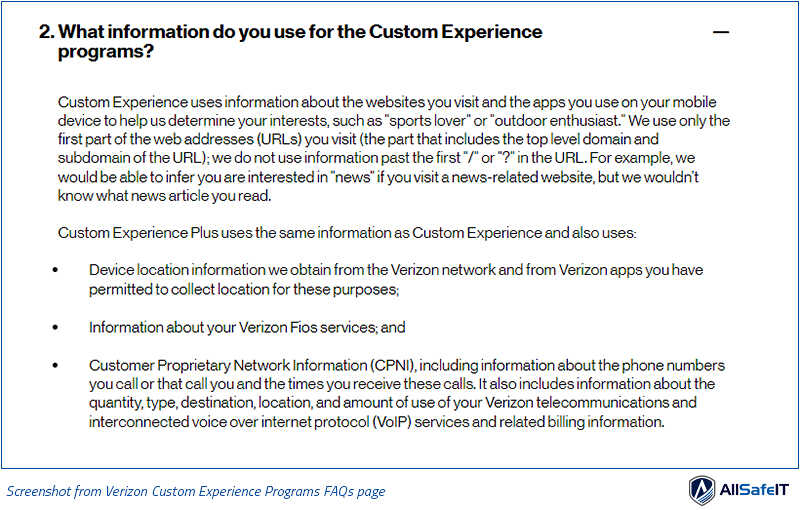
Verizon recently launched their new Custom Experience Programs which gather information on their users. Verizon says they do this to personalize the experience and “tailor Verizon content to your interests.” The information collected can include:
- Websites you visit
- Apps you use on your mobile device
- Device location information
- Information about the phone numbers you call or that call you
- The times and durations of your calls
You’re Already Opted In by Default
If you’re a Verizon consumer or small business customer, there’s a good chance you’re already sharing all of this information with them (unless you’ve manually opted out). It appears that the privacy preferences are automatically set to share information by default. According to the Verizon Custom Experience programs FAQs, “You will be part of the Custom Experience program unless you opt out.”
Here’s How to Opt Out
To opt out of the Verizon Custom Experience Programs:
- Log in to your Verizon account and go to the privacy preferences page
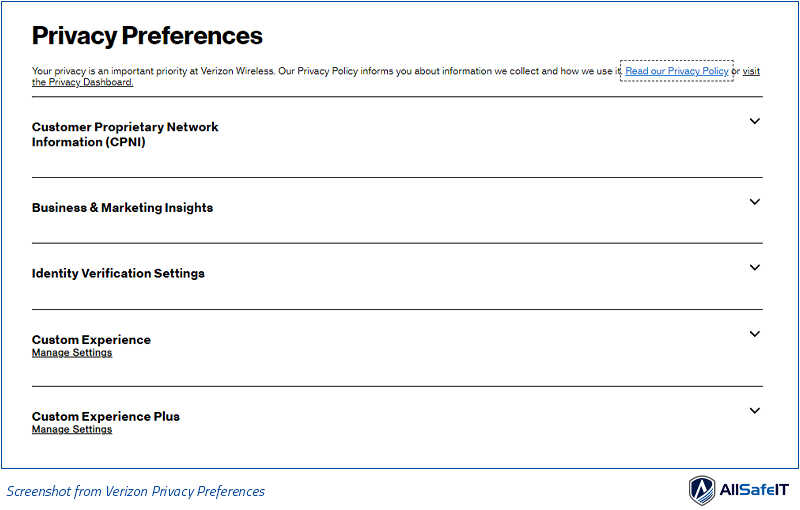
- Under the Custom Experience and/or Custom Experience Plus sections, select Don’t Use and then Save Changes.
- To remove all the data that was already collected prior to opting out, click the Manage Settings link under the Custom Experience Plus heading
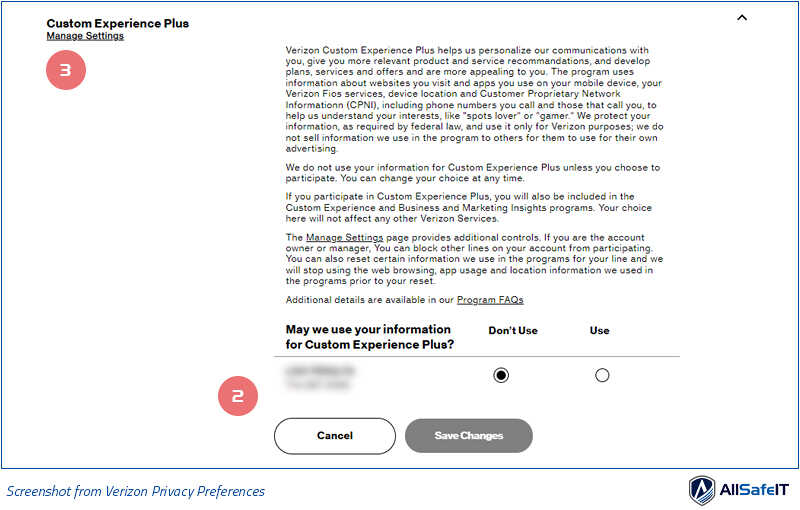
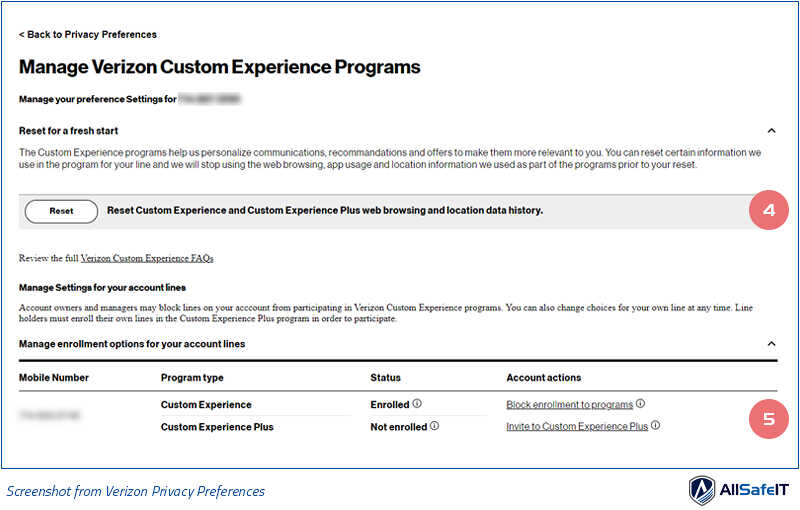
- Click Reset to reset your web browsing and location data history
- If you’re the account owner, you can block enrollment to the Custom Experience programs for all the lines on your account